Wireless Label Maker Only $9.99 Shipped for Amazon Prime Members (Reg. $30)

Wireless Label Maker Only $9.99 Shipped for Amazon Prime Members (Reg. $30)
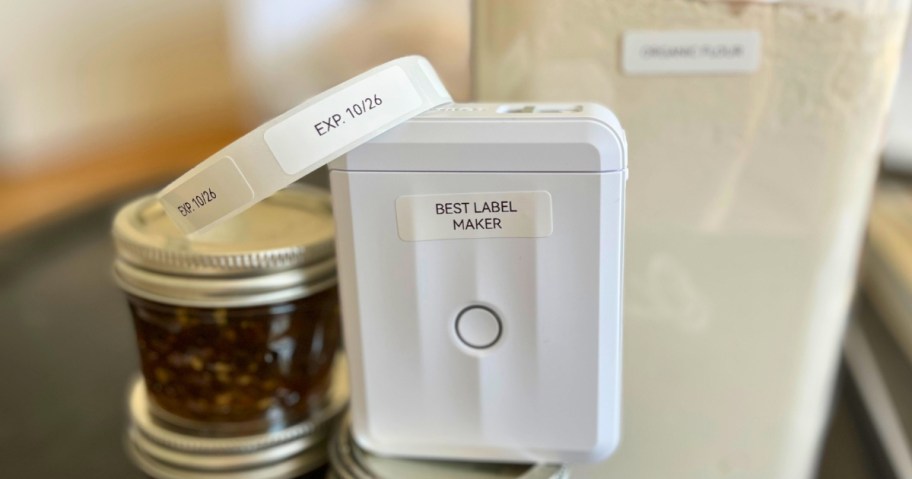
For a limited time, head over to Amazon where Prime members can grab this NIIMBOT Bluetooth Label Maker in white for just $9.99 shipped (regularly $29.99) when you use promo code O4HPQ6X6 at checkout!
NIIMBOT Bluetooth Label Maker – White $17.99 (reg. $29.99) – Prime member price!
Use promo code O4HPQ6X6
Final cost $9.99 shipped!
Note that while the starting price is lower for Prime Members, the coupon will make the final price $9.99 for non-Prime Members too!
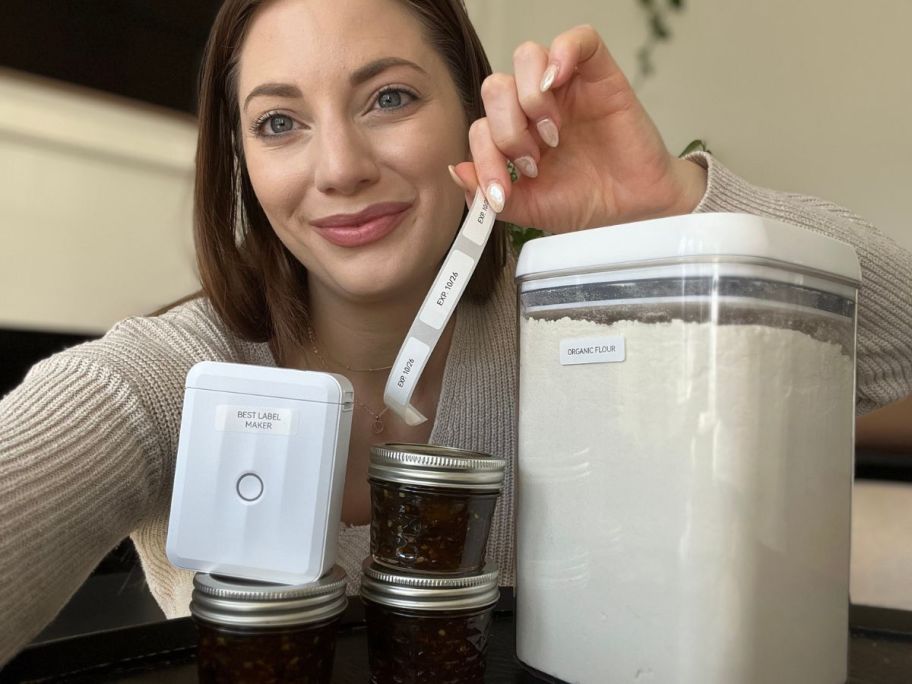
With this wireless label maker, you can create and print labels in minutes. Use the Niimbot app on your phone to create your labels, graphics, logos, barcodes, and QR codes, and send them wirelessly to the label maker to print.
Plus, with thermal technology, you’ll never run out of ink or toner, and you get a roll of labels you can use immediately.
I think everyone should have a little label printer in their home, as they come in handy in so many different ways, and it’s a quick and easy way to feel organized. My favorite ways to use them are labeling expiration dates on my homemade canned goods and on random cords in my junk drawer.
At first, I didn’t think my printer worked, but it was because I didn’t put the paper in the right way, so be sure to load it upside down and avoid the trial and error. Other than that little hiccup, it’s a simple and straightforward printer to use with tons of font options, designs, and other ways to make it personalized to your needs. – Hip Sidekick, Sara
Originally published at hip2save.com.
Jessica (Hip Sidekick)
Our editorial team researches and verifies every money-saving guide before publishing. Editorial policy · About us